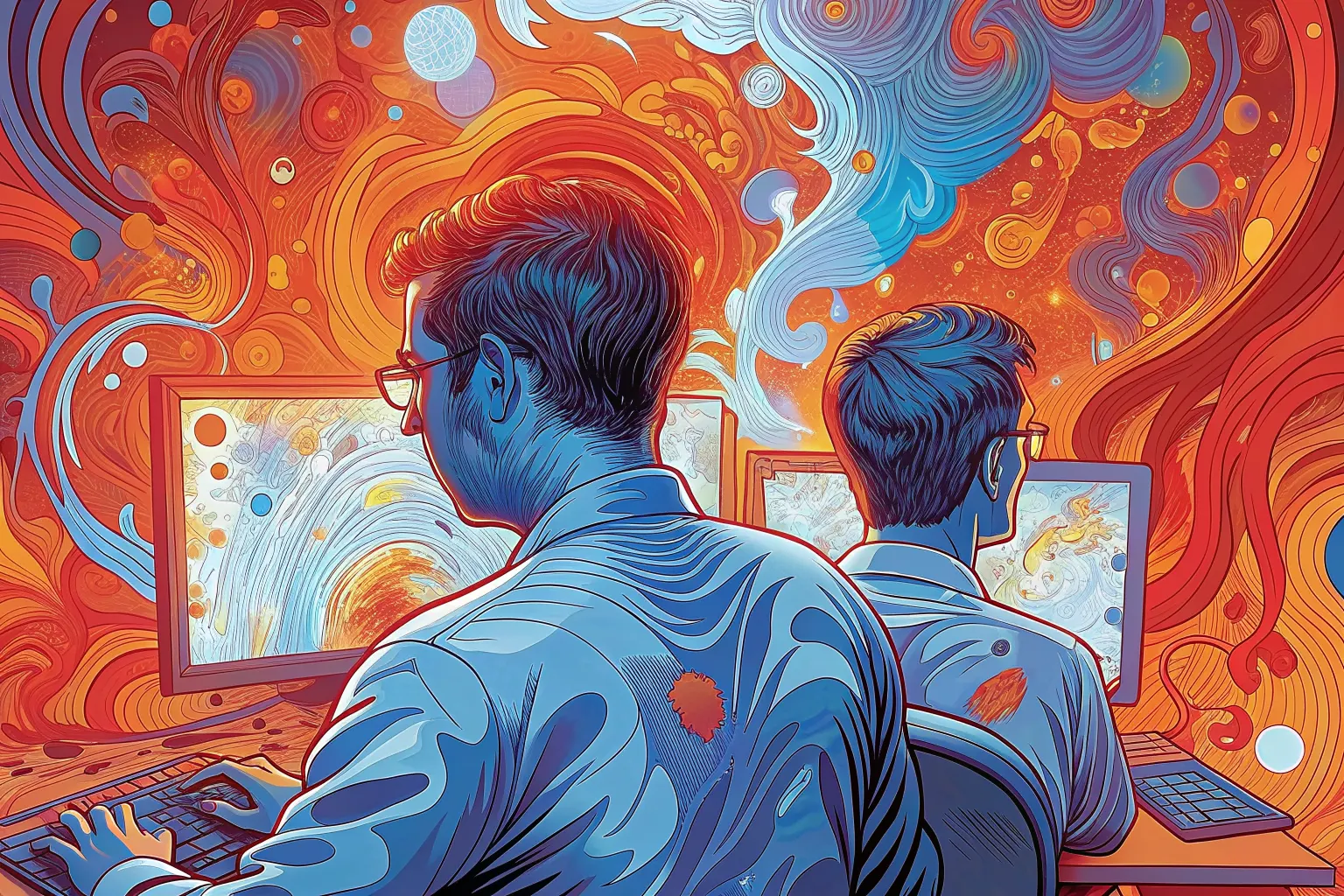
Draws this one again — same subject and the same people, a new palette and a new angle on it, described afresh. It replaces the drawing on this page for everyone, until somebody draws another. Costs the site about eight cents, and a few seconds.
Or press ←the left arrow and →the right arrow.
Putting WCAG where the code gets written
Work — read the piece
- Persona profile
- Design Engineer — builds the product rather than uses it, and is the reason an accessibility rule either runs in the pipeline or gets argued about in review.
- Meant to show
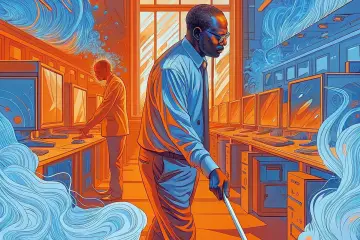
- A blind engineer on the team. Disabled as a colleague who builds the thing, not as a user it is built for.
- Asked for
- A Black man mid-stride between rows of monitors, lit from a window beside him, a white cane sweeping the floor ahead, a colleague at the nearest desk turning toward him
- Drawn with (analogous)
#398bad#7798d4#c04d32
Why these three
Two neighbors reading as one family, and a third opposite them to argue with it.
- SeedSHA-256 of
agent-tooling, which is the same every time and different for every piece. - Base hueThe first two bytes as a fraction of 65,535, times 360 = 187°.
- GeometryThe third byte modulo 4 picks analogous, which adds 0°, 35°, 190°.
- WobbleThree more bytes shift each by up to ±12° — +10.9°, −3.3°, −5.5° — so two pieces that draw the same geometry are still not the same shape on the wheel.
- Result
#398bad198° at 67% saturation, 68% value#7798d4218° at 44% saturation, 83% value#c04d3211° at 74% saturation, 75% value
Saturation never drops below 72% and value never below 78%, which is what keeps a hue reading as the color it was chosen to be rather than as a dark. More on how these are made.