What changes when disabled people are on the team?
How involving disabled people early in the design process can lead to more accessible products
Listen to this essay
Every organization says accessible products are a priority. But then a designer tries to explain an accessibility requirement to an engineer, and it gets stuck.
Often neither of them really knows what disabled people need, and that gap turns into barriers in the product.
I think the most direct fix is the one teams try last. Bring disabled people into the work early. Hire them onto the team, and pay them to take part in research.
Designers face two problems
The first is knowledge. Many designers don't know the accessibility requirements and guidelines well, so they build barriers into products without knowing it.
The second is that accessibility is complicated, because it covers many disabilities and many technologies.
Explaining the details, and making sure designers understand what their choices mean, is hard. Especially next to every other requirement, and a tight deadline.
Disabled colleagues close the gap
When disabled people are on product teams, as full-time employees and as paid research participants, the whole team starts to share an understanding of accessibility.
It builds empathy. And it leads to new ideas, and to more accessible products and services.
Hiring disabled people helps in three ways.
Designers and engineers learn what their colleagues need, and what gets in their way. That insight closes the gap in communication, and leads to more accessible products.
Working side by side builds empathy. Designers and engineers understand accessibility problems better, and that makes it easier to talk and work together.
And everyone solves problems better. Different viewpoints and different challenges spark ideas that make products more accessible.
Each kind of experience improves the product
Here's what specific experience can bring to a team.
A blind designer who uses a screen reader can make sure the interface works with different screen readers. That improves navigation and content for blind and low-vision users.
They can also find and add the right labels and descriptions for buttons, links and images, so screen reader users can understand and use the content.
A low-vision designer can advise on color contrast, font sizes and text formatting, so text is easier to read for low-vision users.
They can guide how magnification and zoom work, so the interface stays usable when it's enlarged.
A designer with a motor disability can suggest other ways to navigate, like voice control, switch access or keyboard-only navigation. That helps users with limited dexterity or mobility.
They can also help size and space buttons and links, so they're easier to select for users with motor disabilities.
A neurodivergent designer can help structure content and layout to avoid overload and make things easier to understand, for users who think differently.
They can help build settings people can adjust: text size, colors and other parts of the interface, to suit their needs and preferences.
A Deaf designer can help create clear visual communication, like icons and infographics, that carries important information without relying on sound.
They can guide captions, transcripts and sign language interpretation for videos and other media, so Deaf and hard-of-hearing users can take part fully.
Design sprints are a good place to start
Design sprints are a popular way to explore, prototype and test ideas quickly. Including disabled people in them helps close the gap between designers, engineers and users.
Bring them in early. Engineers who work directly with people who live with these barriers learn what's needed, and why, while it's still easy to act on.
Then keep asking. Regular feedback from disabled people during development catches accessibility problems before they're built deep into the product. And it keeps engineers up to date as the product changes.
Everyone benefits
When disabled people are part of the design process, the product is more accessible, and it works for more people. That means a better experience for everyone, disabled people included.
It also leads to new ideas, because accessibility problems push engineers to look for creative answers. The result is often a product that's more flexible, and fits more needs.
And it's good for the organization. Accessible products build a reputation for being responsible and inclusive. They also reach the large and growing market of disabled consumers.
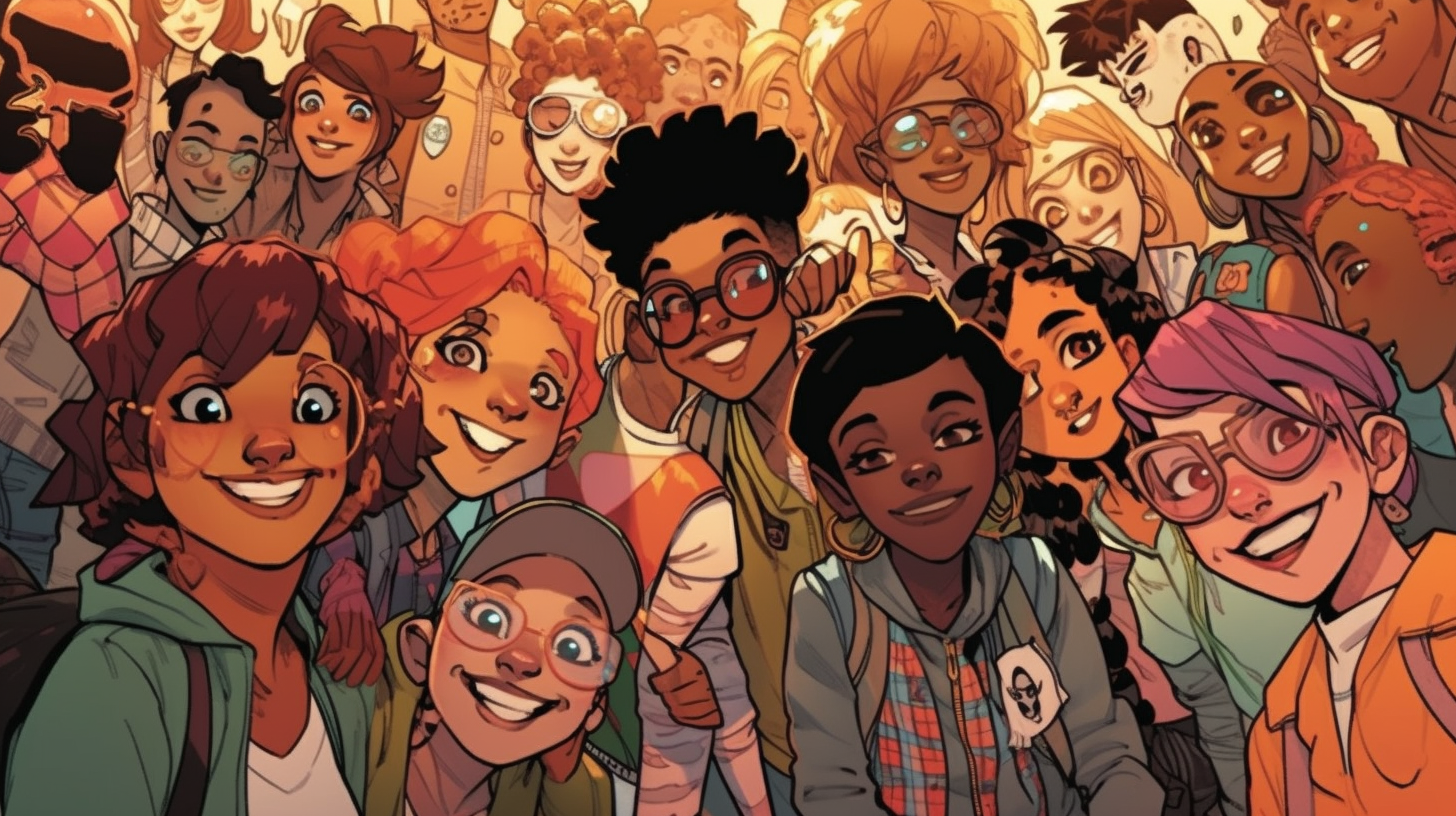
Communication is what makes accessibility happen in product design. Bring disabled people in early, and designers and engineers stop guessing. They learn what disabled users need, from the people who know.
That leads to more accessible products. It also brings new ideas, a better reputation and a wider market.
About the drawing
The drawing for this piece was generated, not chosen. Hashing the piece’s name fixes one point on the color wheel; the other two follow from it. The same name always gives the same three colors.
#a54da1#cec743#3ea6b0The line under the drawing marked “Meant to show” is written by a person, not the model. A generated drawing keeps what is large and loses what is small, so the detail that decides who someone is can go missing, and a picture only reaches people who can see it. Where the drawing and that line disagree, the line is the intent.
Or press ←the left arrow and →the right arrow.