
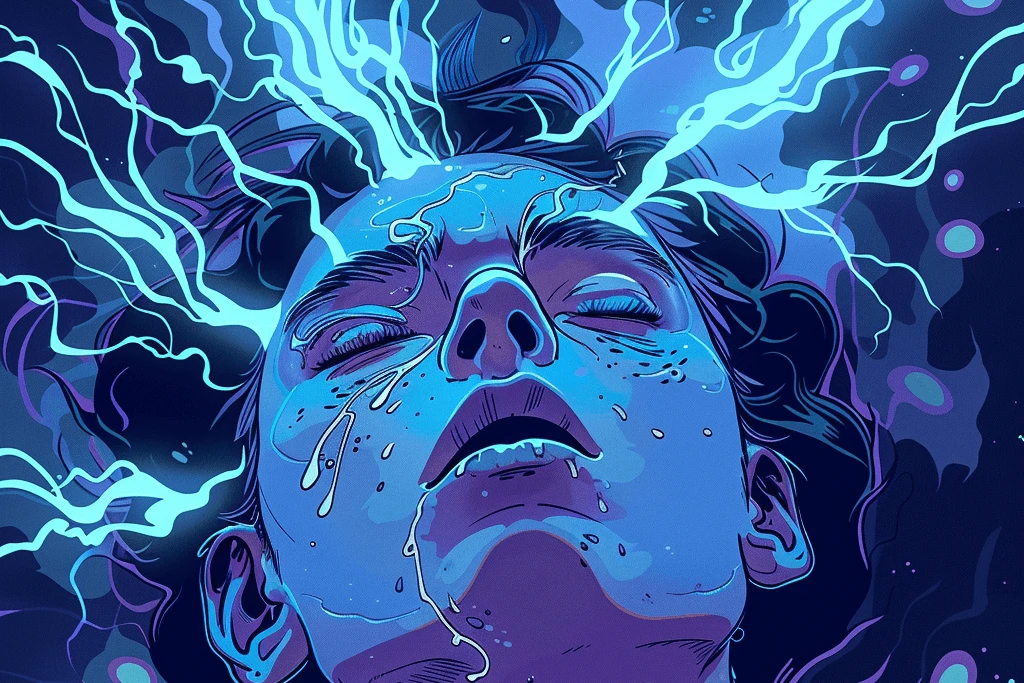
What does a flashing screen cost someone with epilepsy?
As designers, we have a profound responsibility to create safe and inclusive digital environments. One critical aspect of this is avoiding flashing content in our designs. While WCAG 2.3.1 allows for content that flashes under strict parameters, it is strongly recommended to refrain from using flashing elements altogether.
Listen to this essay
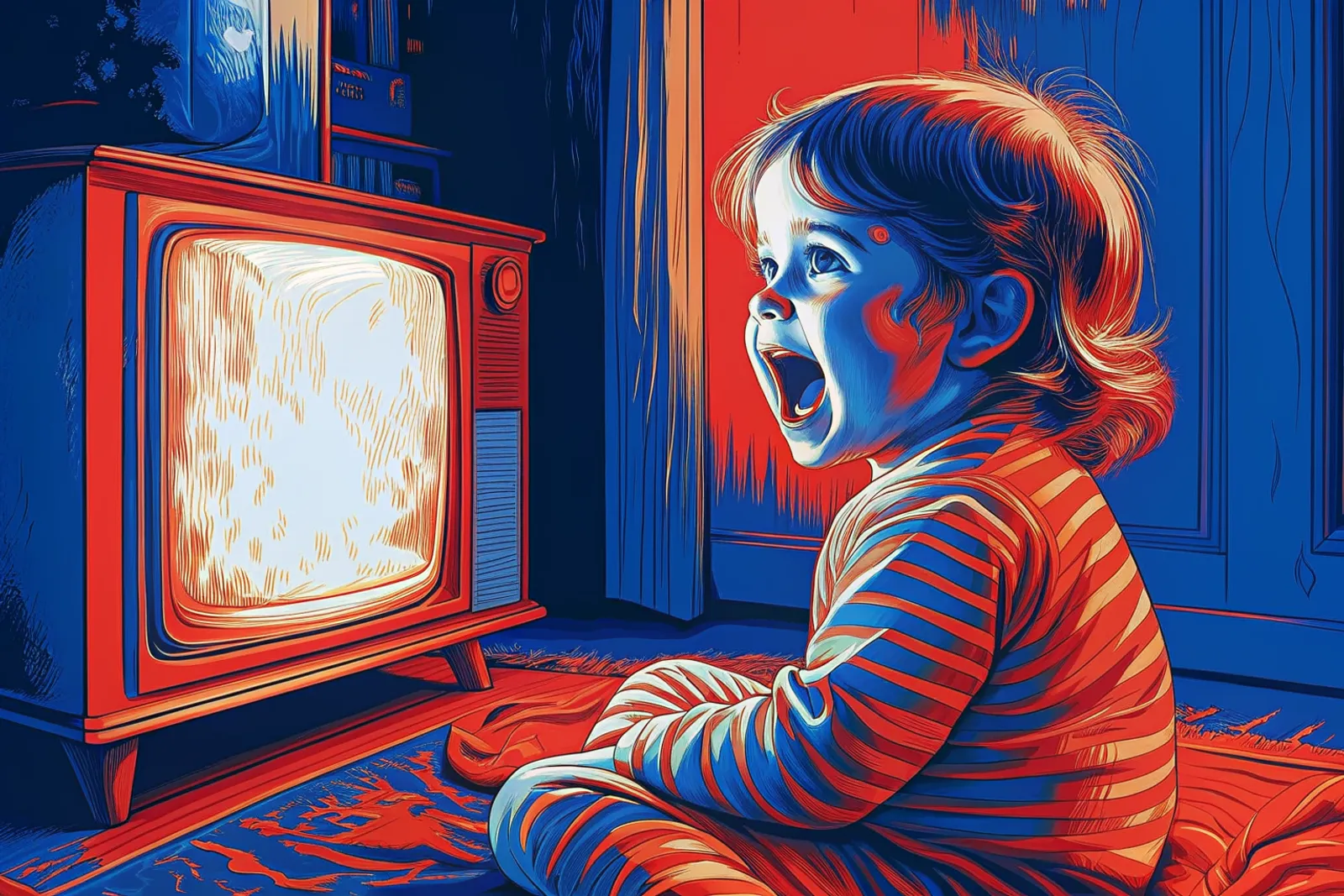
A flashing screen can trigger a seizure. So let's stop putting flashing content in what we make: in our designs, our slide presentations and our videos.
That's the whole ask. Here's why it matters.
It has happened to a whole country in one evening. On December 16, 1997, an episode of the Pokémon cartoon (opens in a new tab) on Japanese television showed about four seconds of red and blue flashes, switching 12 times a second. 685 viewers were taken to hospital, and 208 were admitted.
The episode has never aired again. Afterwards, Japanese broadcasters adopted rules: red flashes no faster than three a second, and no more than two seconds of flashing in total. 2.3.1 Three Flashes or Below Threshold draws a similar line, at three flashes in any one second.
Epilepsy interrupts a life without warning
"Living with epilepsy means never knowing when normalcy will be interrupted by chaos."
- A friend living with epilepsy
People with epilepsy can have a wide range of sensations and symptoms during seizures, and they vary a great deal from person to person.
Some people have an aura before a seizure: unusual feelings, sensations or changes in perception. Common auras include:
- A sudden feeling of fear or anxiety
- A sense of déjà vu
- Visual disturbances, such as flashing lights or hallucinations
- Strange smells or tastes
- A feeling of dizziness or lightheadedness
During a seizure, people can have intense and distressing symptoms, and they depend a lot on the type of seizure:
- Loss of consciousness. Especially in tonic-clonic seizures, the person may lose consciousness and collapse.
- Muscle stiffness and jerking. The body may become stiff (the tonic phase), then jerk rhythmically (the clonic phase).
- A blank stare. In absence seizures, a person may suddenly stop what they're doing and stare blankly.
- Automatisms. Some people make repeated movements, such as lip-smacking, blinking or hand movements, during focal seizures with impaired awareness.
- Confusion. Postictal confusion is common after a seizure. The person is disoriented, and can't communicate clearly.
Living with epilepsy also affects people emotionally and physically, in their daily lives and their wellbeing:
- Fear and anxiety. During a seizure, people may feel intense fear or anxiety.
- Exhaustion. Many people feel extremely tired, and need to rest or sleep afterwards.
- Physical injuries. Seizures carry a risk of injury, especially when standing, or doing something that involves sharp objects or heights.
- Embarrassment and stigma. Because seizures are unpredictable, people can feel embarrassed, and worry about how others will react.
Six habits keep a design from triggering seizures
Don't flash. Leave flashing content out of your designs altogether. WCAG allows some under strict limits, in 2.3.1 Three Flashes or Below Threshold, but it's still best to avoid it.
Change slides smoothly. In presentations, use smooth transitions, not sudden jumps between light and dark backgrounds.
Prefer still content over animated or fast-changing visuals. 2.3.3 Animation from Interactions covers motion that interaction sets off.
Warn before video. If a video must include flashing, put a clear notice before it starts, and give people a way to opt out or skip it.
Choose colors with care. Use colors and contrasts that are less likely to cause visual disturbances. Avoid harsh contrast and bright, strobing patterns.
Keep layouts steady, so there are fewer sudden changes that could startle or disorient people.
WCAG sets a limit, and we can go further
The Web Content Accessibility Guidelines have two success criteria about flashing content: 2.3.1 Three Flashes or Below Threshold and 2.3.2 Three Flashes. They address the risk flashing content poses, especially to individuals with photosensitive epilepsy.
"While WCAG allows for content that flashes under very strict parameters, it is strongly suggested to refrain from using flashing content at all.
That goes for content shown to a big audience in a large room, too:
- Slide presentations: avoid sudden changes between light and dark backgrounds.
- Videos: leave flashing out.
If you must include flashing, add a notice before you present, and give people the choice to opt out. When we leave flashing out, our designs are safe for everyone, and especially for people living with epilepsy.
Let's make a difference
Following these guidelines, and putting accessibility first, doesn't only widen our audience. It also shows care and responsibility in what we make.
Together, we can ensure that our digital spaces are safe and inclusive for everyone. Let's create with care. 💙
About the drawing
The drawing for this piece was chosen, not generated. Chosen by Marcelo in October 2026 to replace a generated drawing that missed its brief. It was the essay's cover image, cropped to 3:2. Every other drawing here is generated from a written brief.
The line under the drawing marked “Meant to show” is written by a person, not the model. A generated drawing keeps what is large and loses what is small, so the detail that decides who someone is can go missing, and a picture only reaches people who can see it. Where the drawing and that line disagree, the line is the intent.
Or press ←the left arrow and →the right arrow.